LIVE
Nature EscapeEnglish
ON AIR
LIVE
Now playing
Nature Escape
Nature · English
DEMO AUDIOHD · LIVE
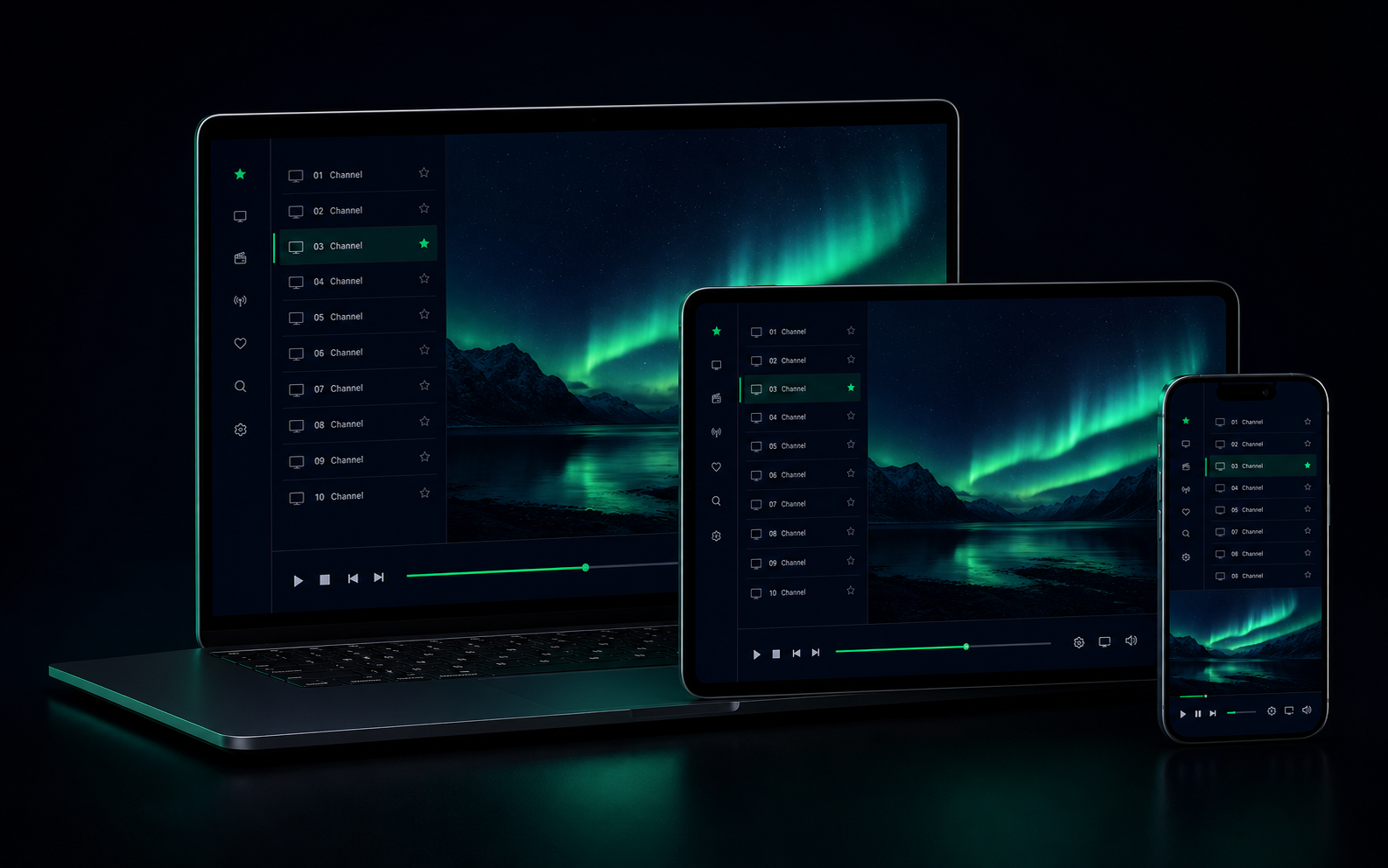
Play authorized M3U, M3U8, and HLS playlists in your browser while discovering global public channels by country, language, or category.
The sample playlist is ready. Select Watch now to load it.
This free IPTV player works as an online M3U player for authorized playlists, with global public channels ready to discover in the same browser.
Paste a playlist URL or open a local file to bring your own channels into the player. No app download is required for browser playback.
M3U, M3U8, and HLS compatibility still depends on the browser codec, stream source, mixed-content, and cross-origin rules, so not every channel can play.
Paste an M3U URL or choose an M3U file from your device to load its channels.
Search your channel list, browse its details, or return to local favorites when you are ready.
Select a channel and use the player controls for playback, volume, and fullscreen viewing.
No installation is required: the player is designed for modern browsers and operating systems, so you can open your own playlist where you already browse.
Your session stays local-first. Favorites and recent channels are stored in this browser, without an account or cross-device sync.
An M3U playlist is a text file that lists media streams and can include channel names, logos, and groups.
M3U8 is an M3U playlist encoded as UTF-8. Both formats are commonly used for IPTV playlists.
Yes. Paste a valid HTTP or HTTPS M3U URL. Whether it can load also depends on the source and browser network rules.
No. Local playlist files are read in your browser by this frontend-only player and are not uploaded by it.
Open an M3U playlist and start exploring channels in this browser.
Open your playlist